

Creating Custom Earn Events
The first thing you will need to do is create a Custom Earn Event that we will trigger with the webhook.- Go to Automations → Earn events
- Click Create event
- Give your new event a name
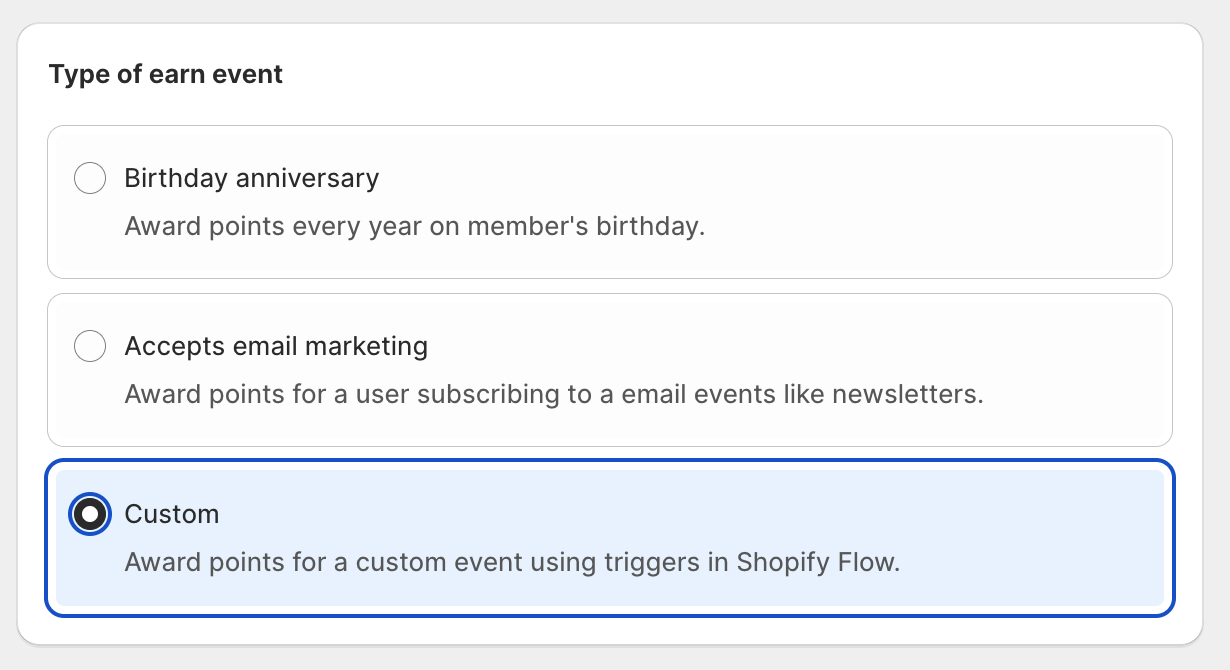
- Choose Custom for the type
- Choose how many points you want to award
- Make sure to set the Status to Active
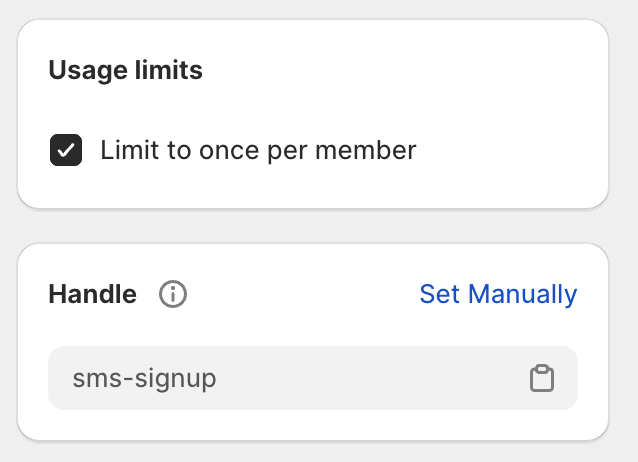
Using Webhooks
To use a webhook to trigger an earn event, you’ll need to have an API Key that you can use to authenticate the webhook request.Generating an API Key
- Go to Settings → Integrations in Lantern
- Click the “Generate API Key” button
- You should see a new API Key appear
